Our images.
Your marketing.
Every bottle in every size, 3D renders and our logos. Tap what you need, save it, post it. Free to use when you’re promoting Bloom.
 Transparent PNGs, every size
The whole kit, in three minutes.
Bottle images, ready posts, your own video and the logos, step by step.
Every bottle, every size.
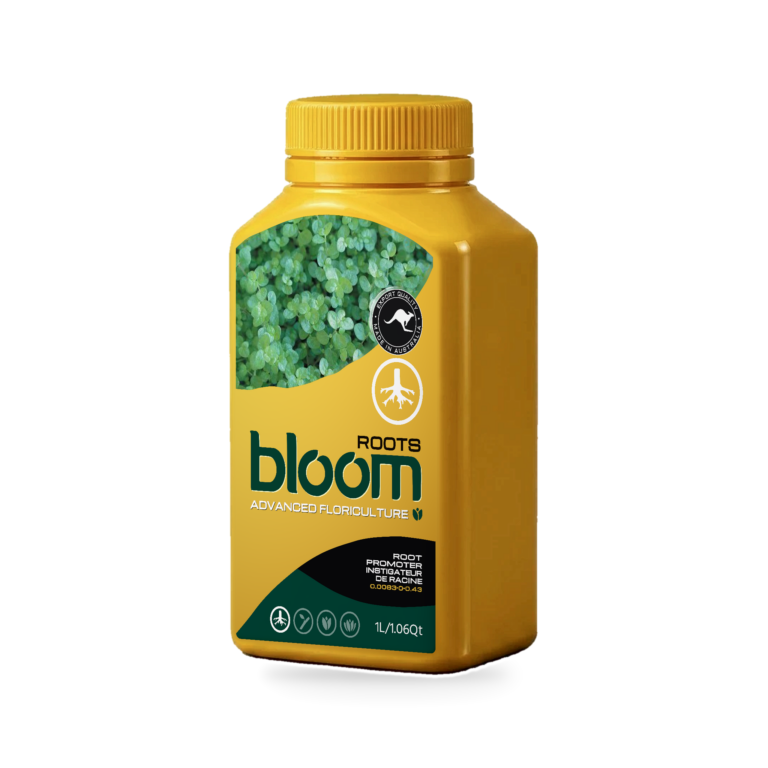
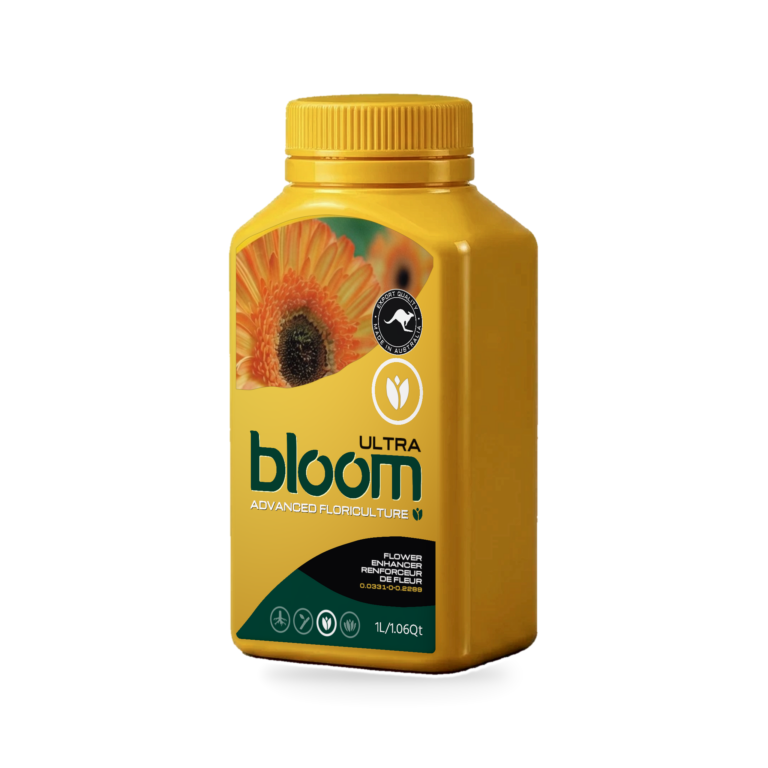
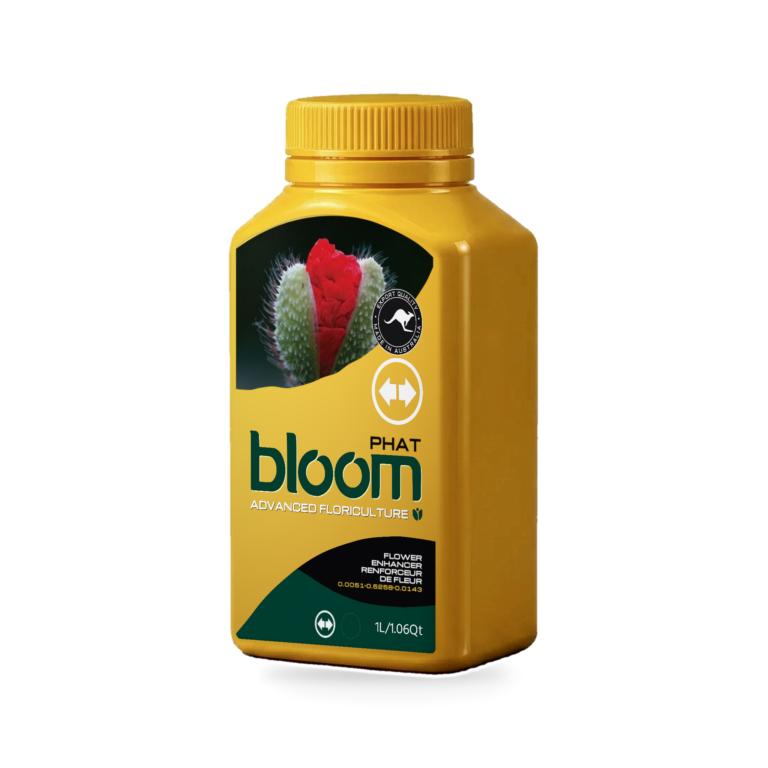
Transparent PNGs at 2048 x 2048. Tap a bottle, pick the size, save it. Not every bottle comes in every size, so you’ll only see the ones that exist.
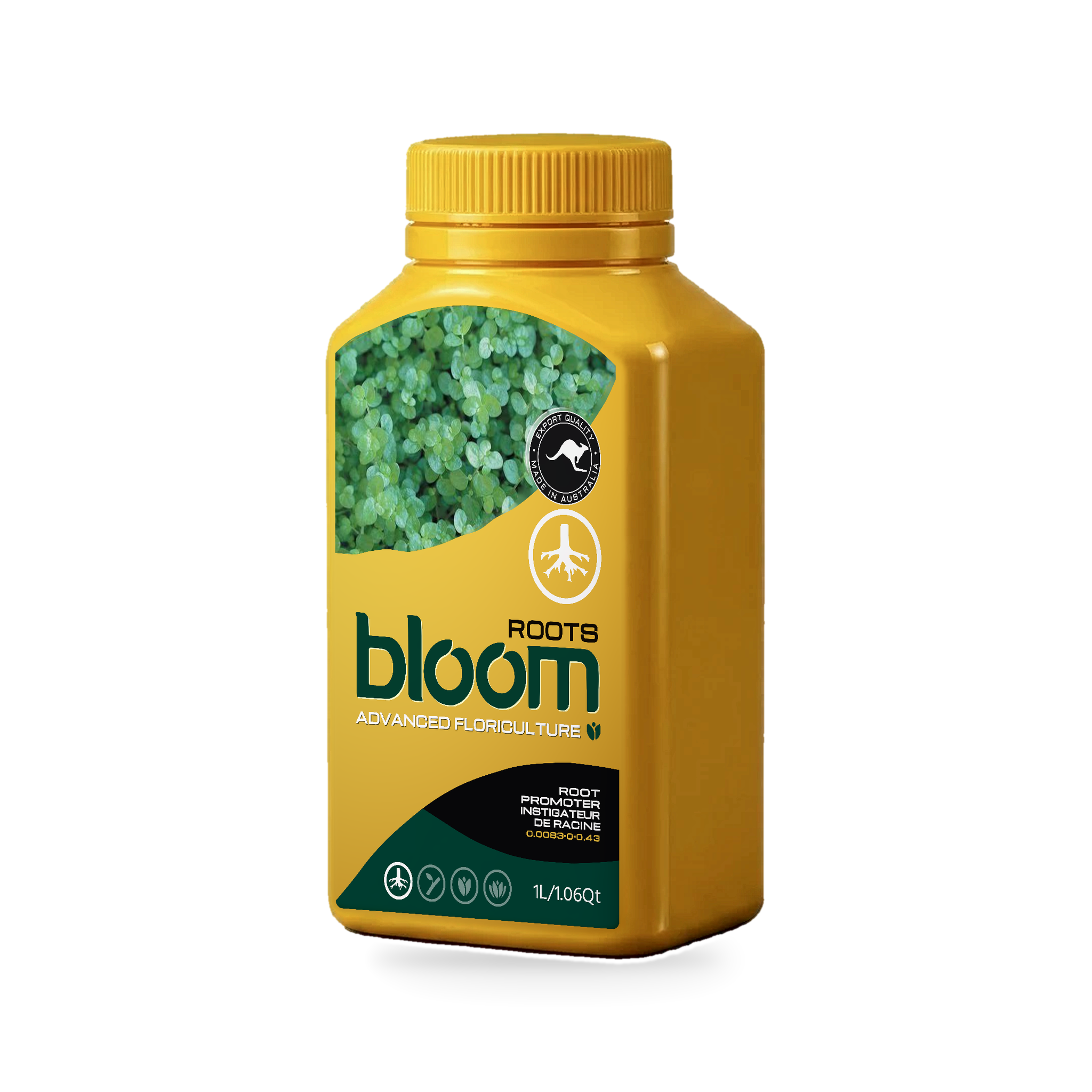 Roots300ml · 1L · 2.5L · 15L · 25L
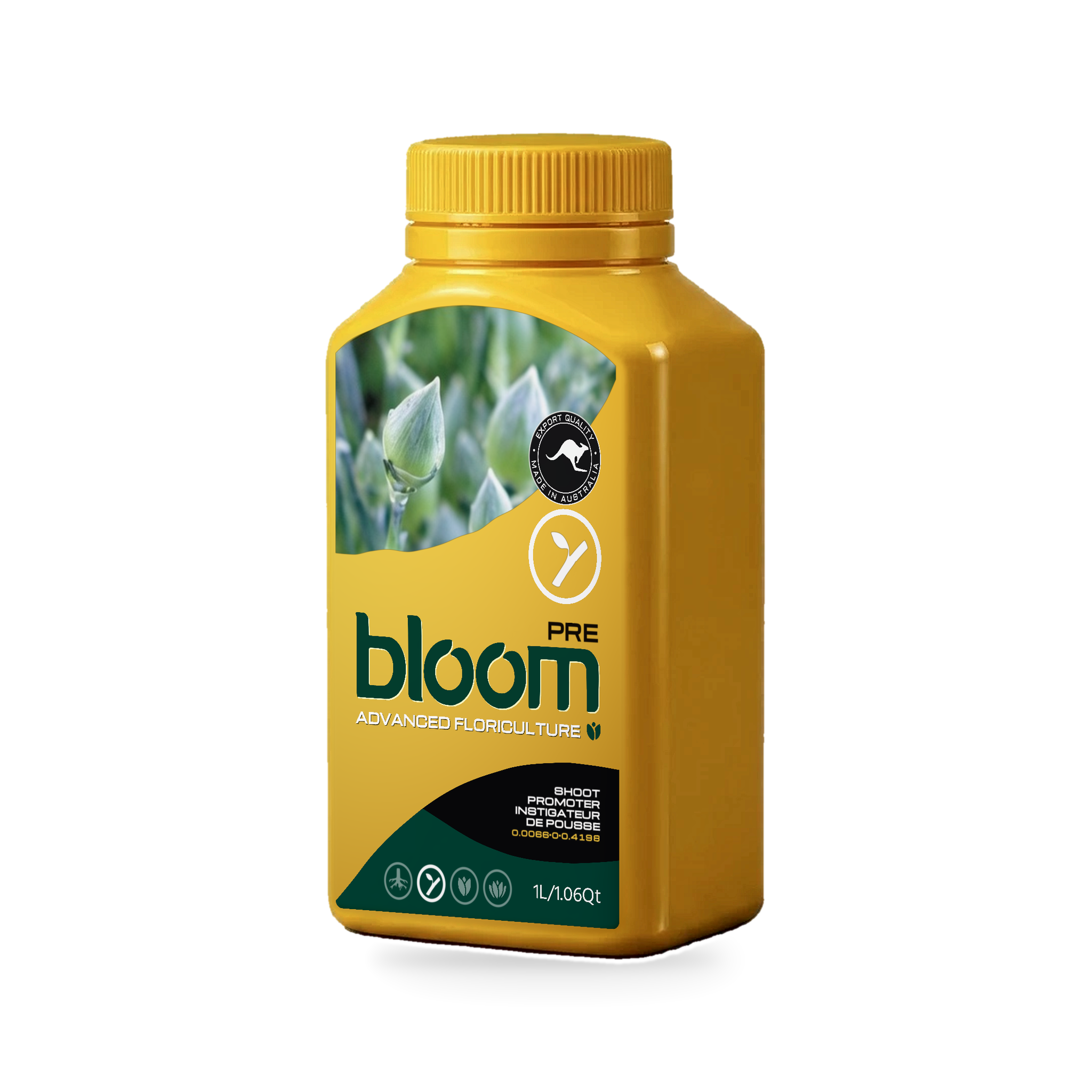 Pre300ml · 1L · 2.5L · 15L · 25L
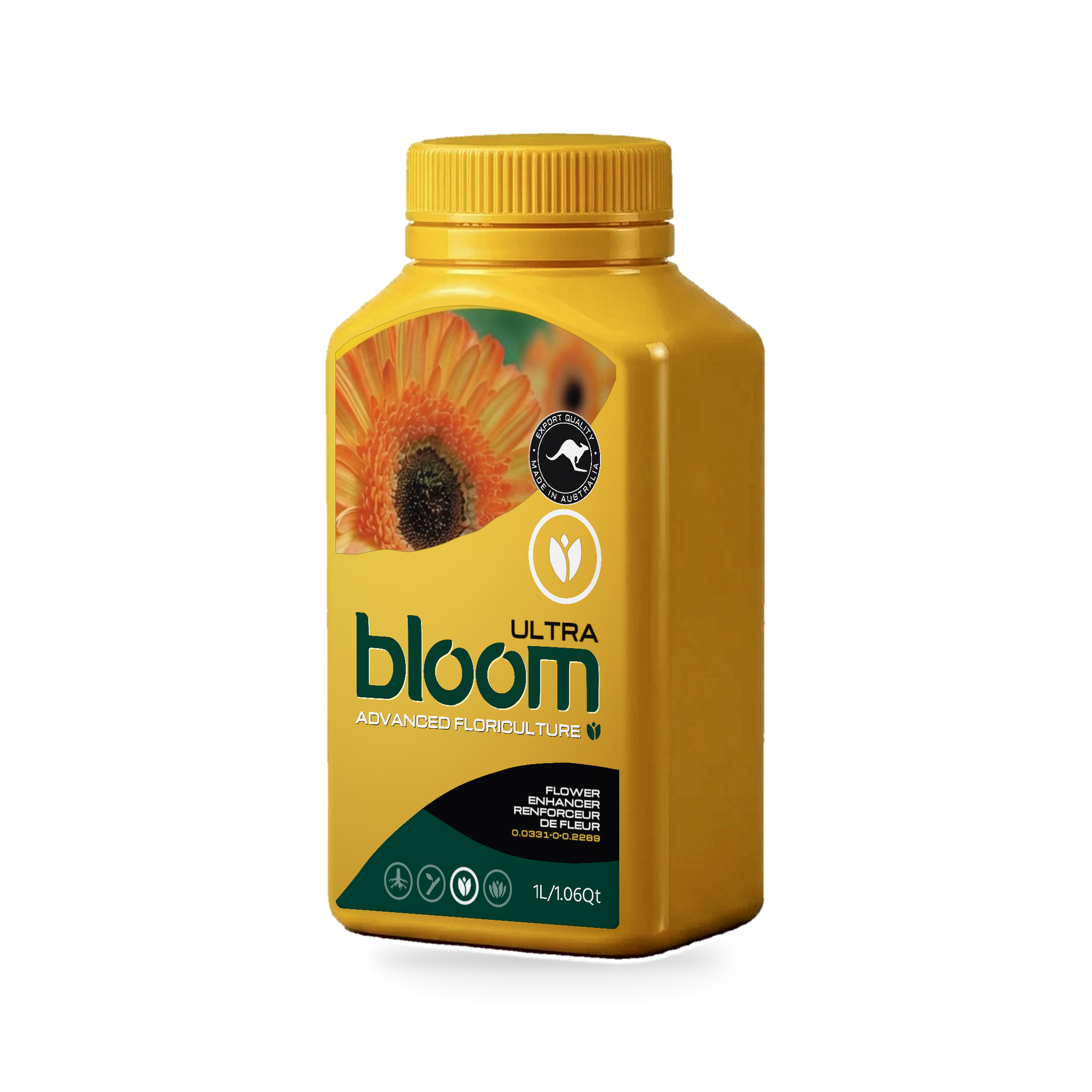 Ultra300ml · 1L · 2.5L · 15L · 25L
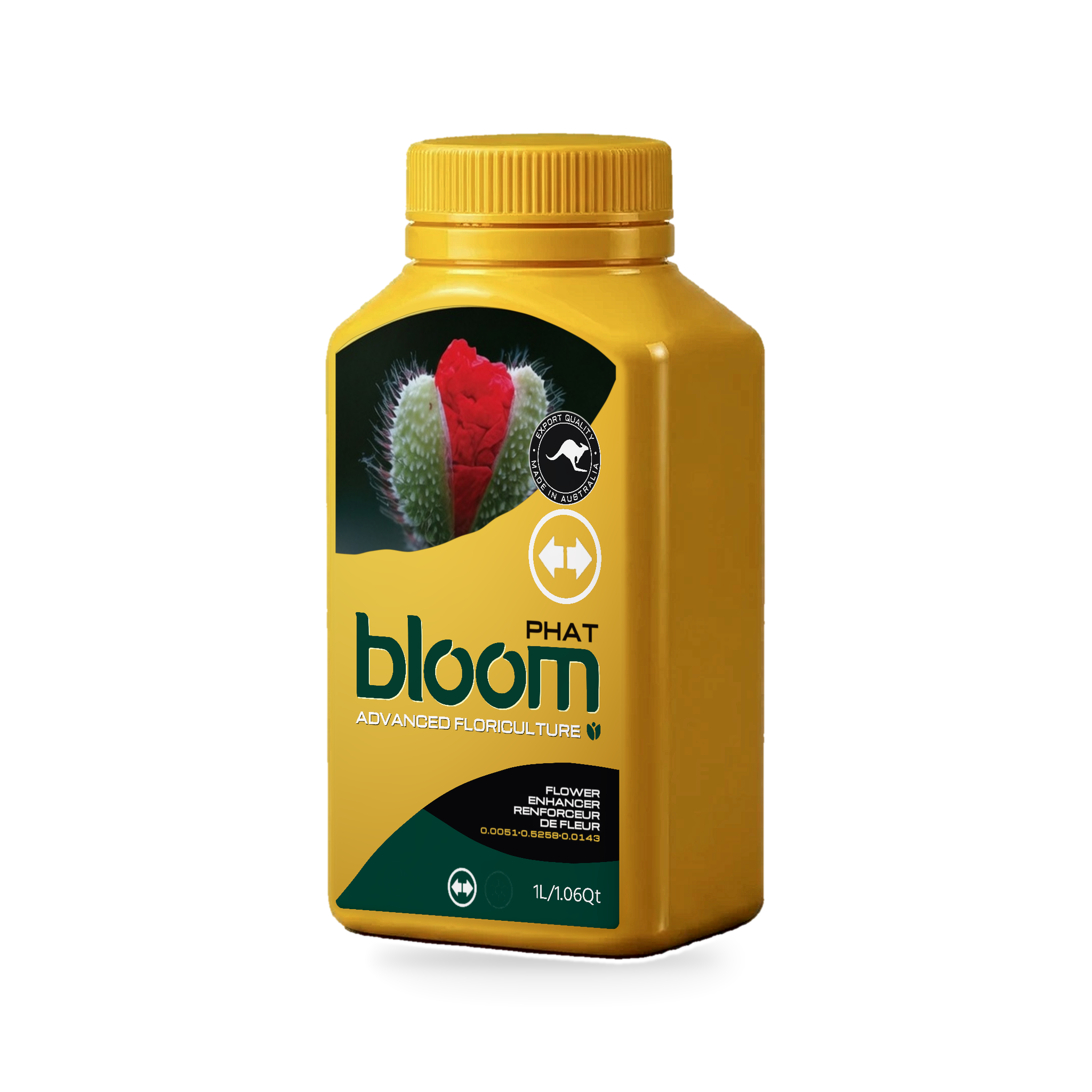 Phat300ml · 1L · 2.5L · 15L · 25L
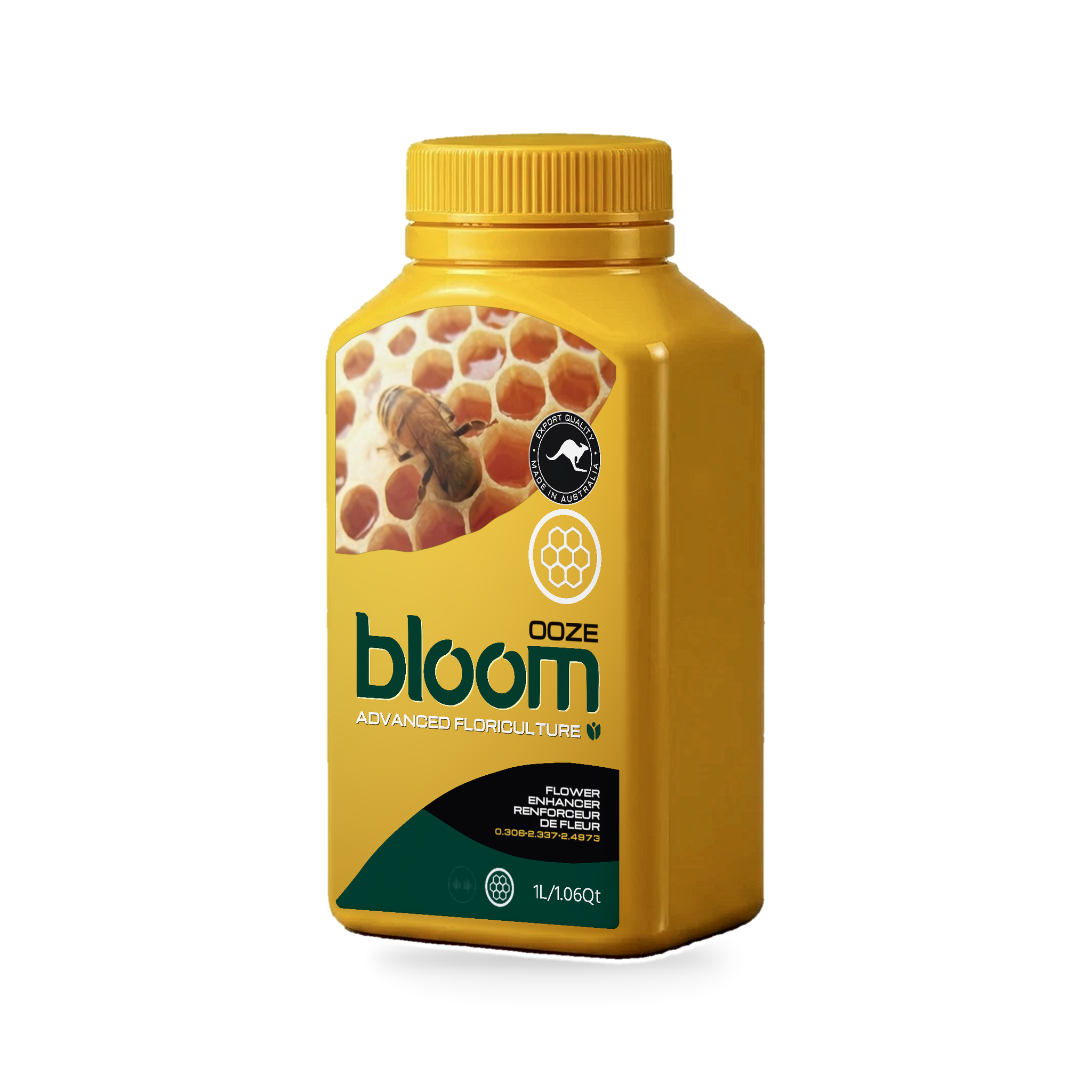 Ooze300ml · 1L · 2.5L · 15L · 25L
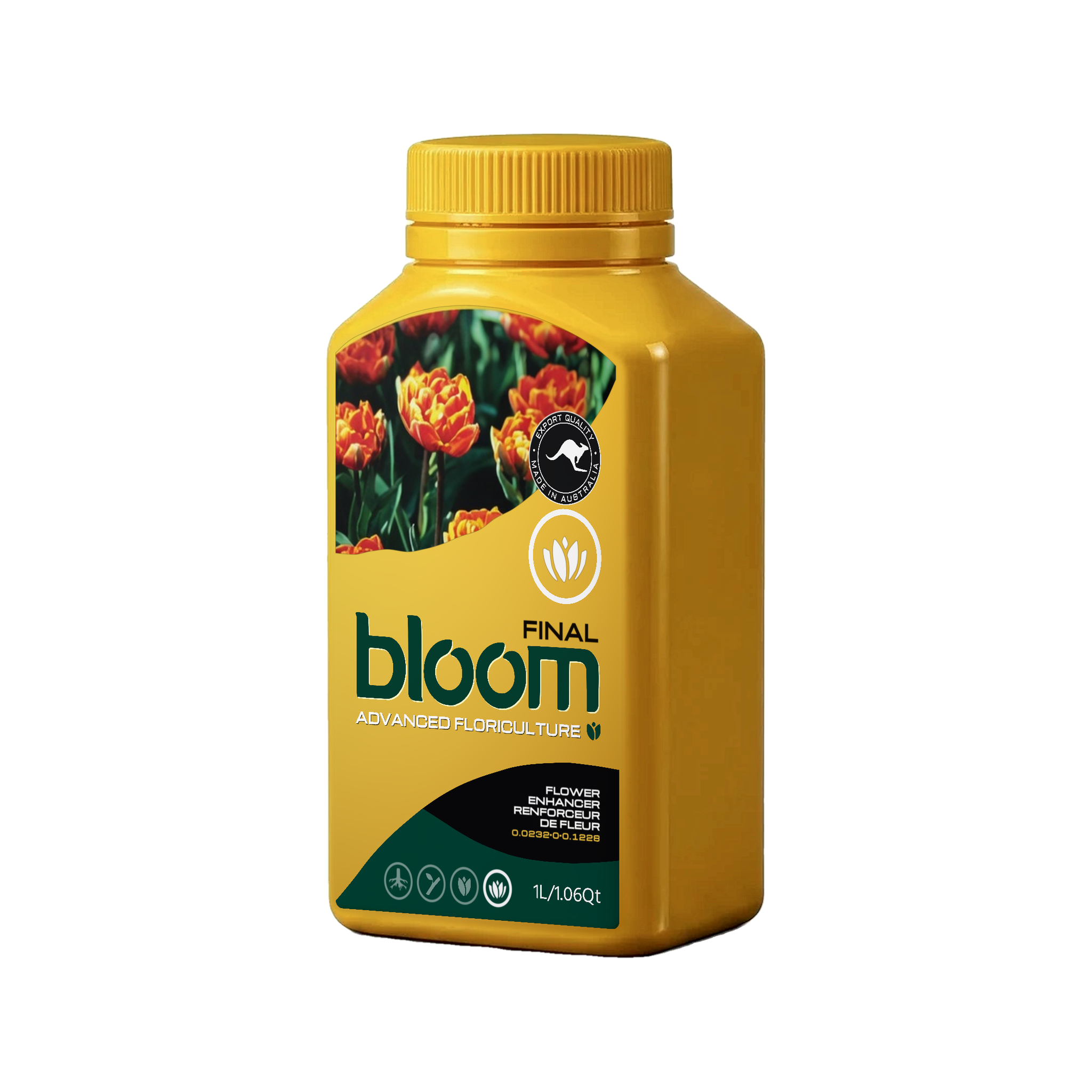 Final300ml · 1L · 2.5L · 15L · 25L
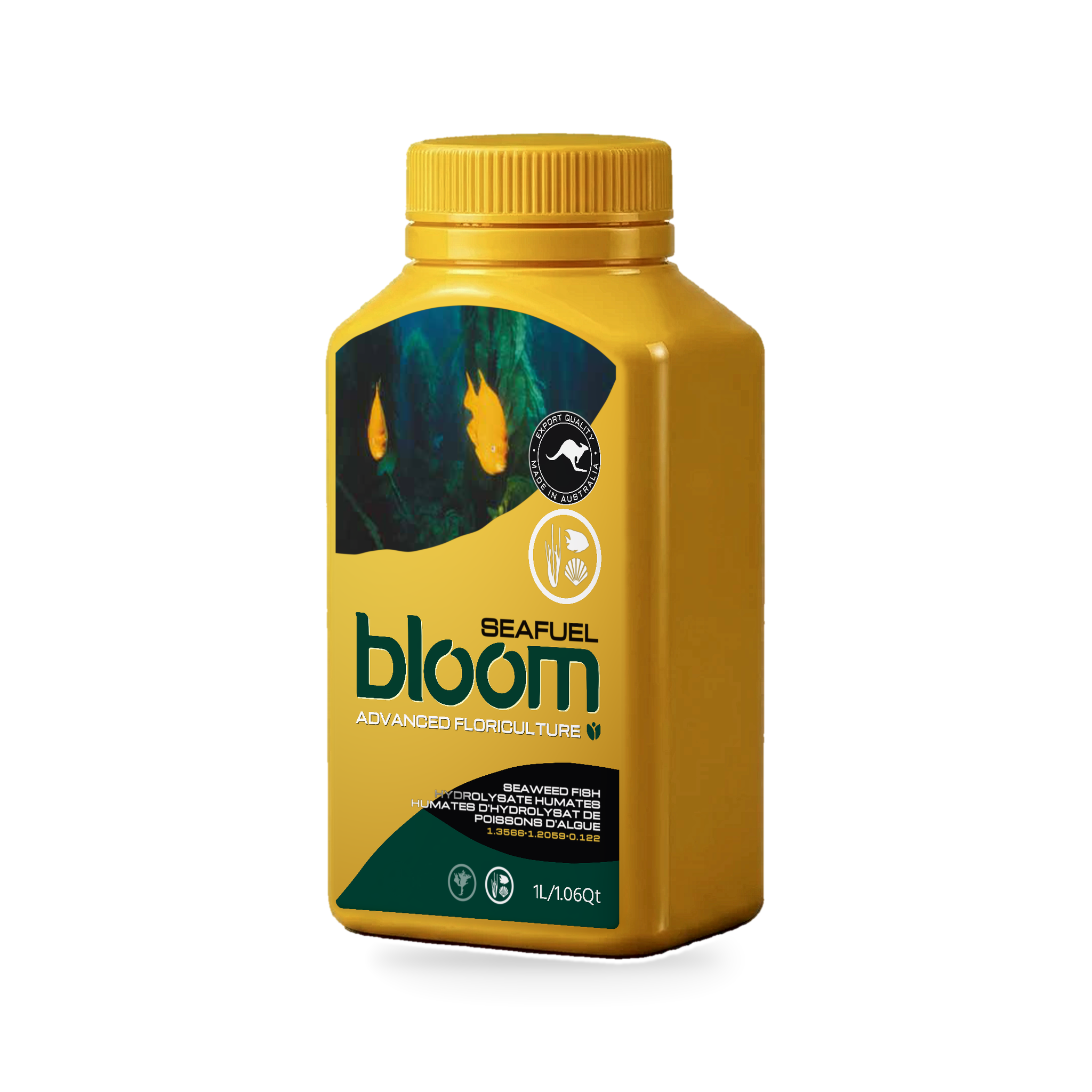 Seafuel300ml · 1L · 2.5L · 15L · 25L
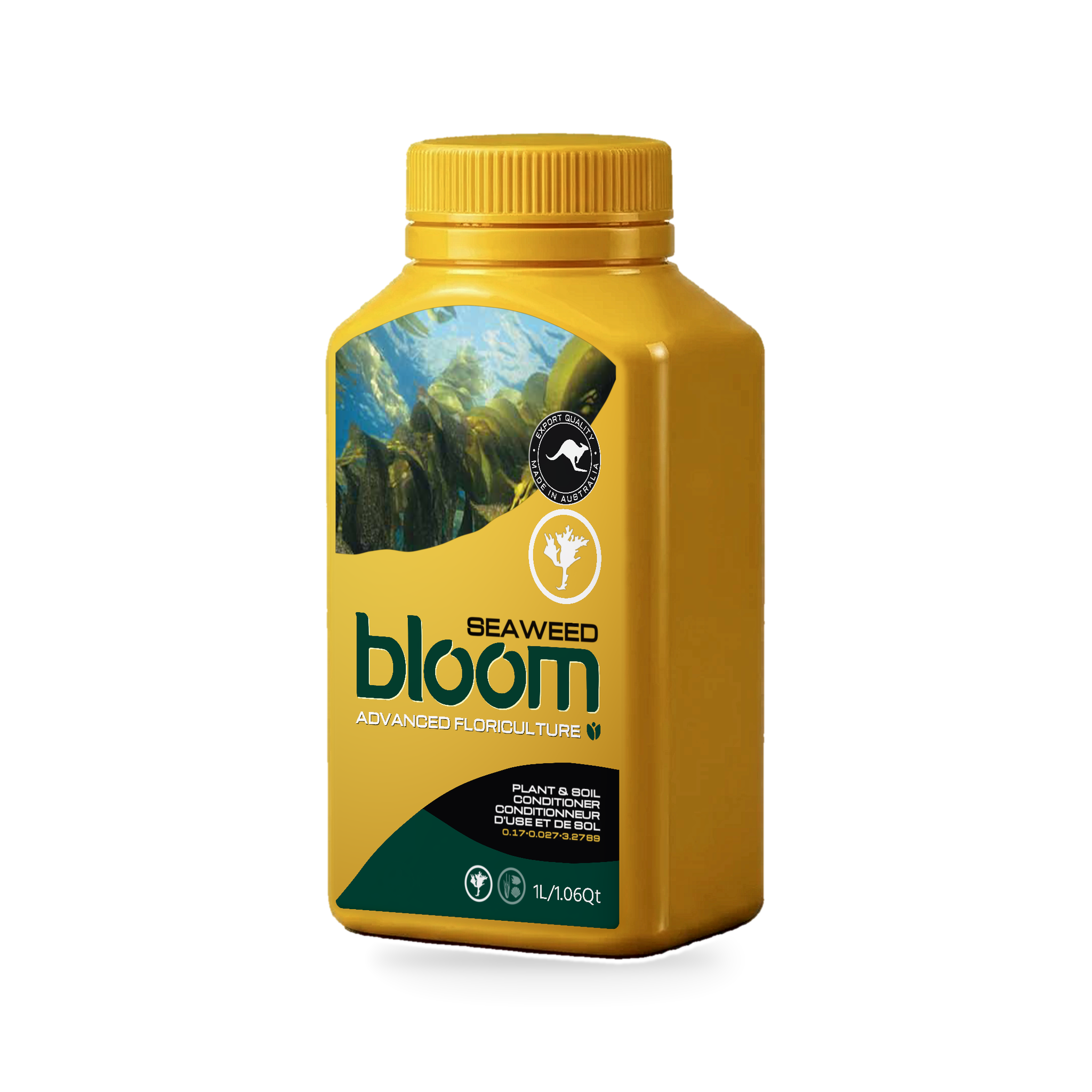 Seaweed300ml · 1L · 2.5L · 15L · 25L
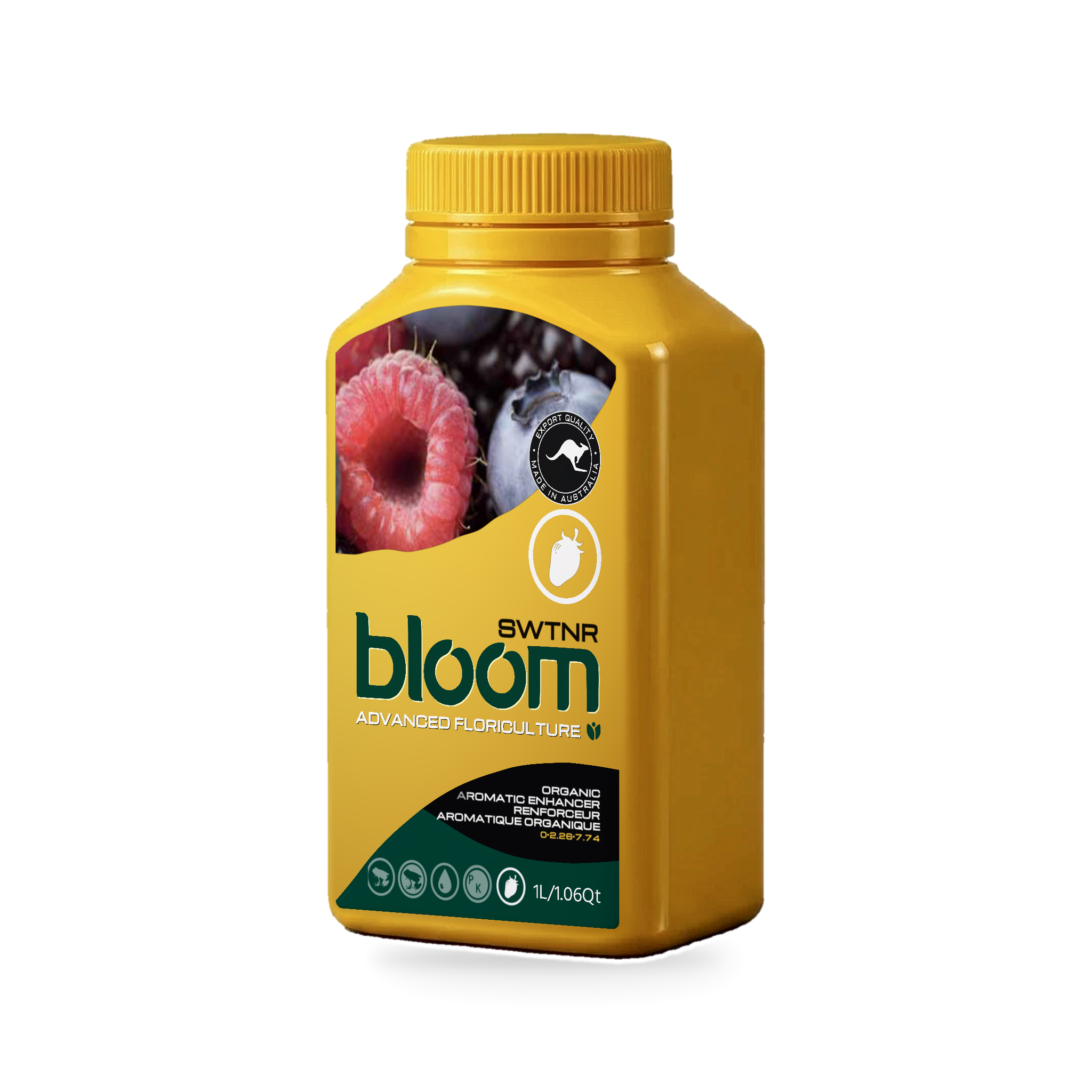 SWTNR300ml · 1L · 2.5L · 15L · 25L
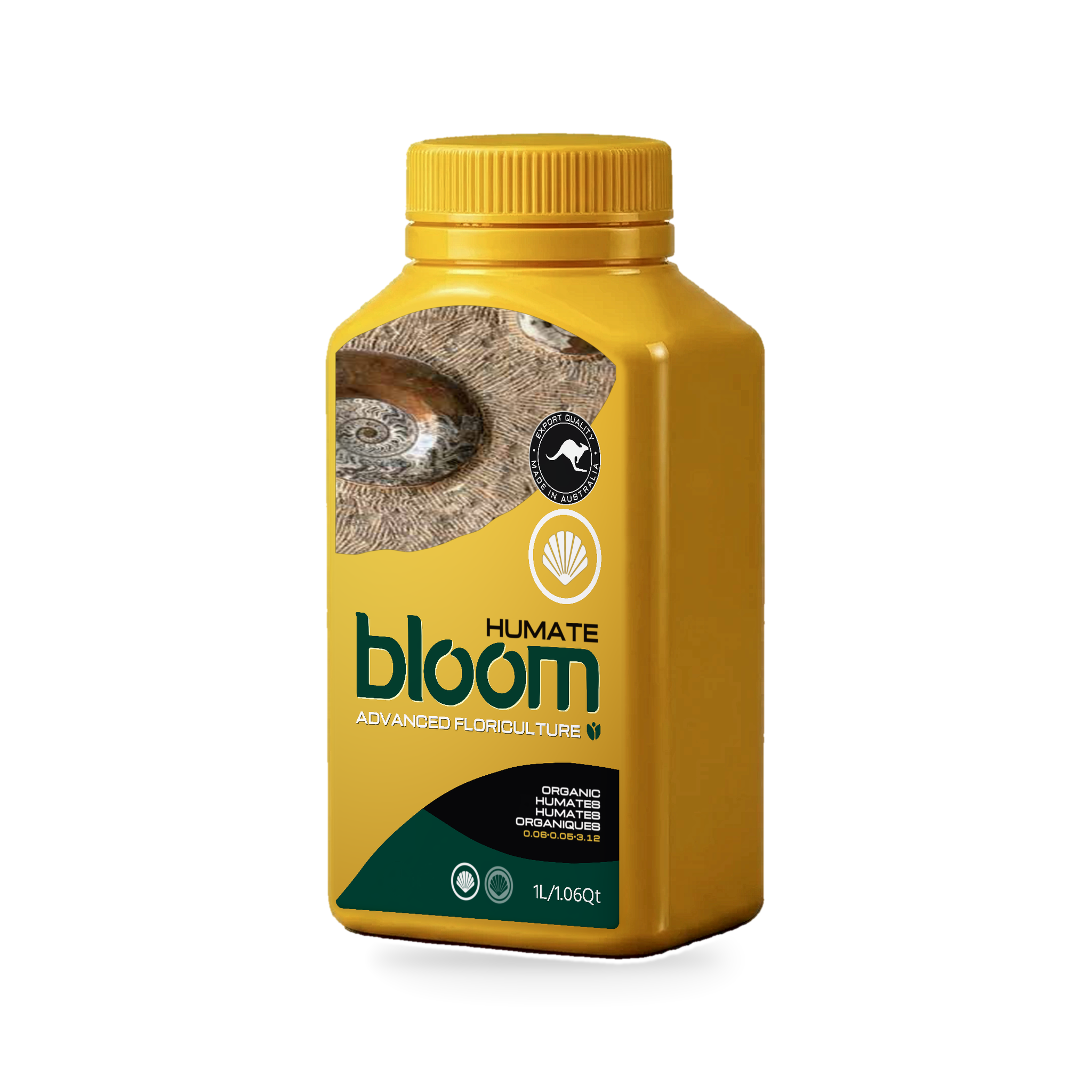 Humate300ml · 1L · 2.5L · 15L · 25L
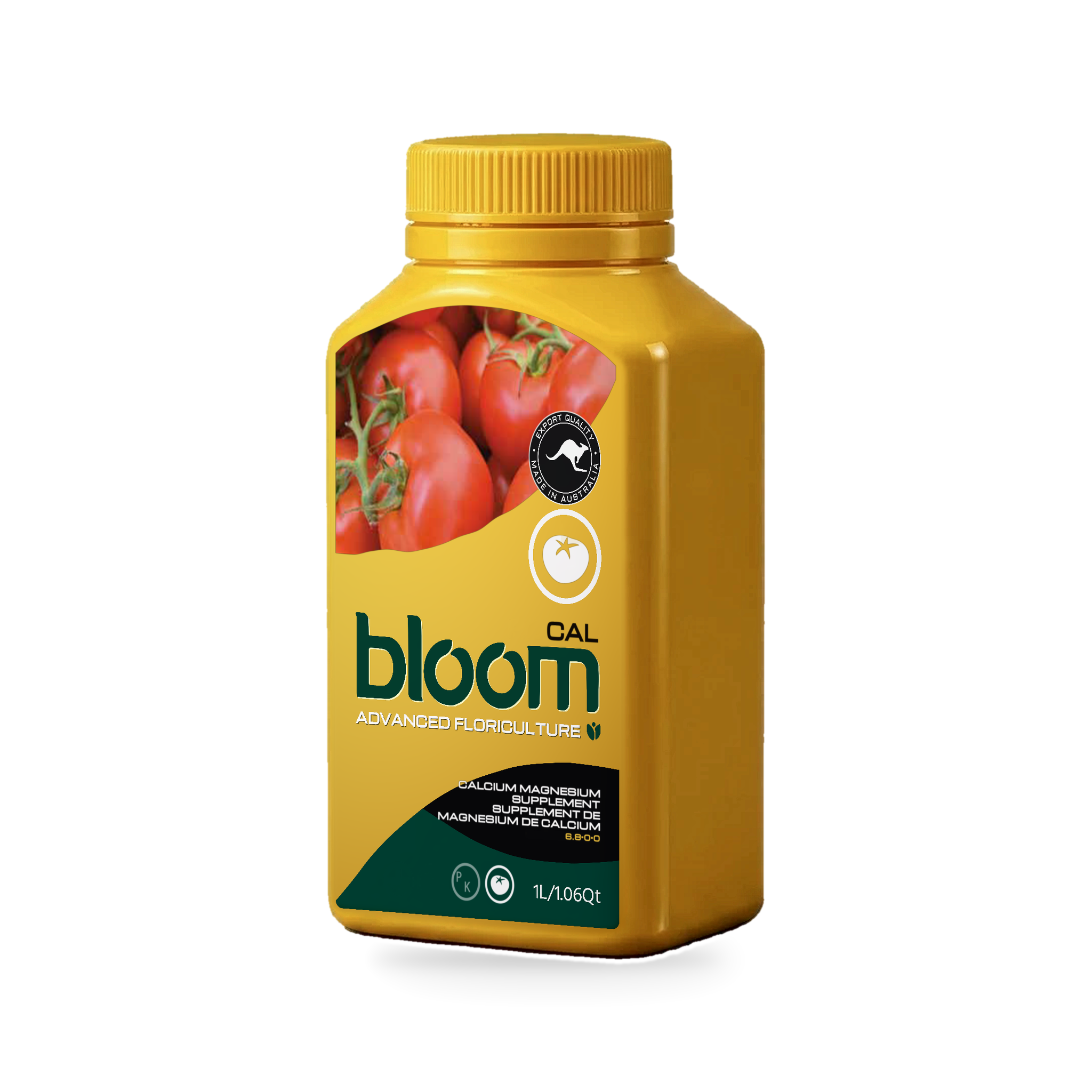 Cal300ml · 1L · 2.5L · 15L · 25L
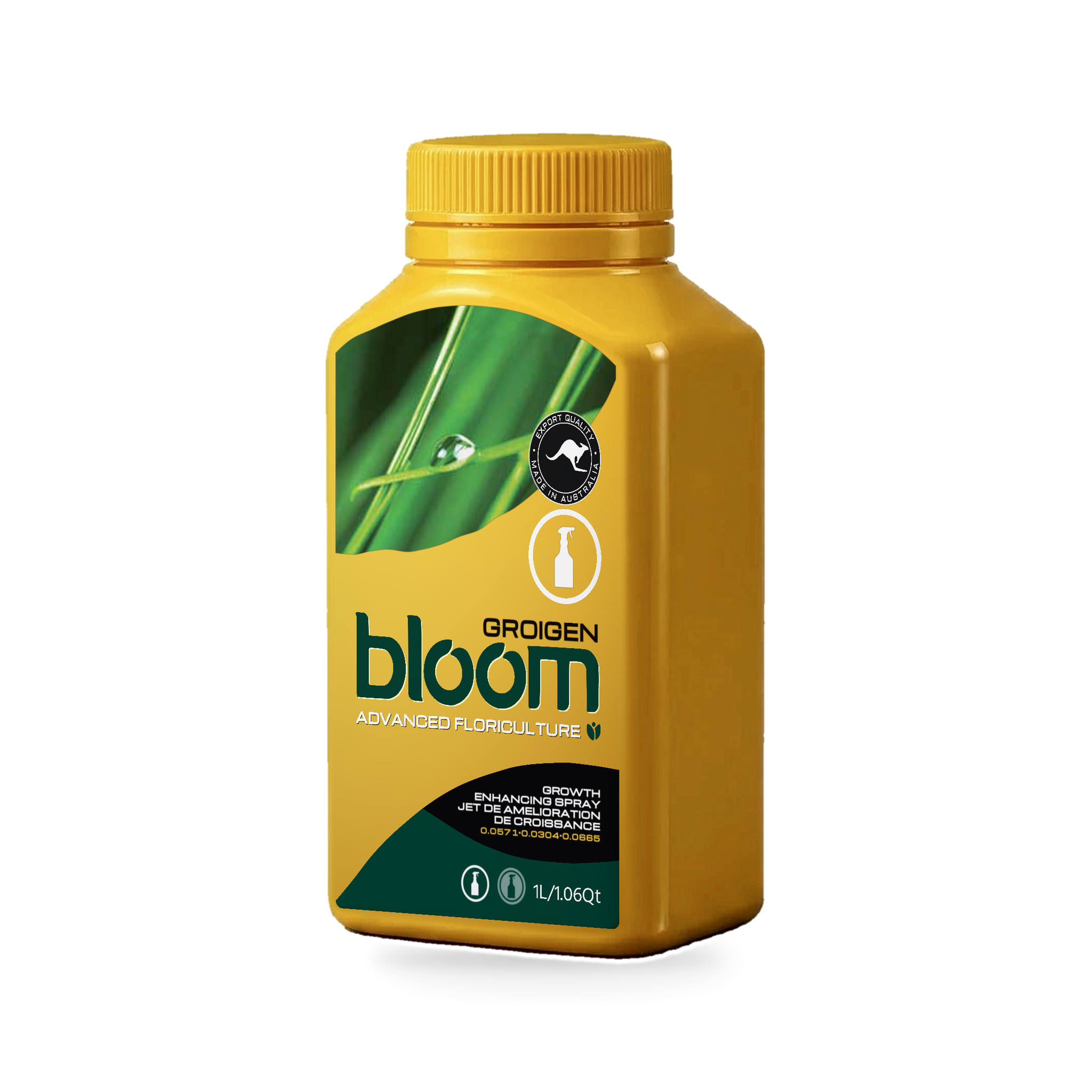 Groigen300ml · 1L · 2.5L
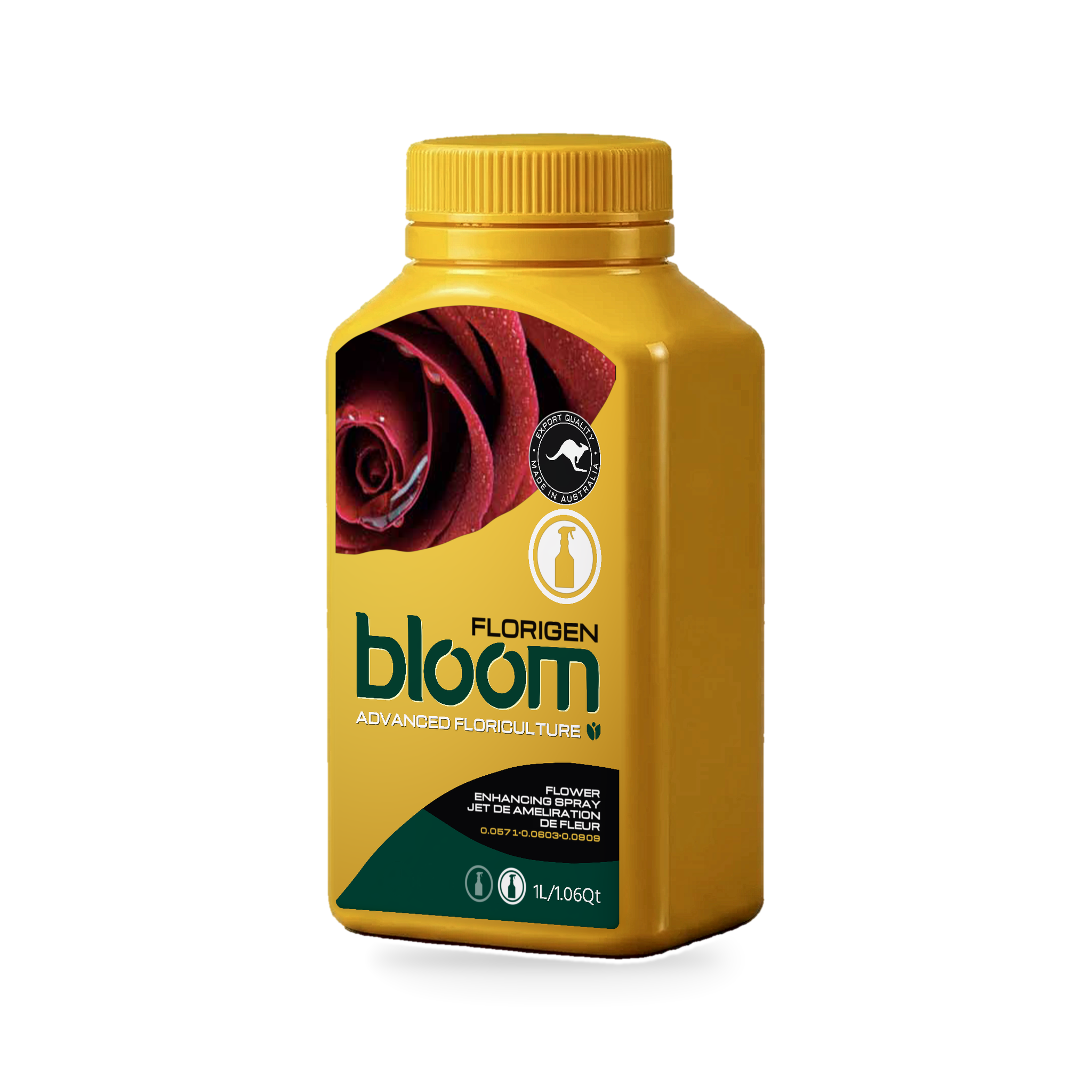 Florigen300ml · 1L · 2.5L
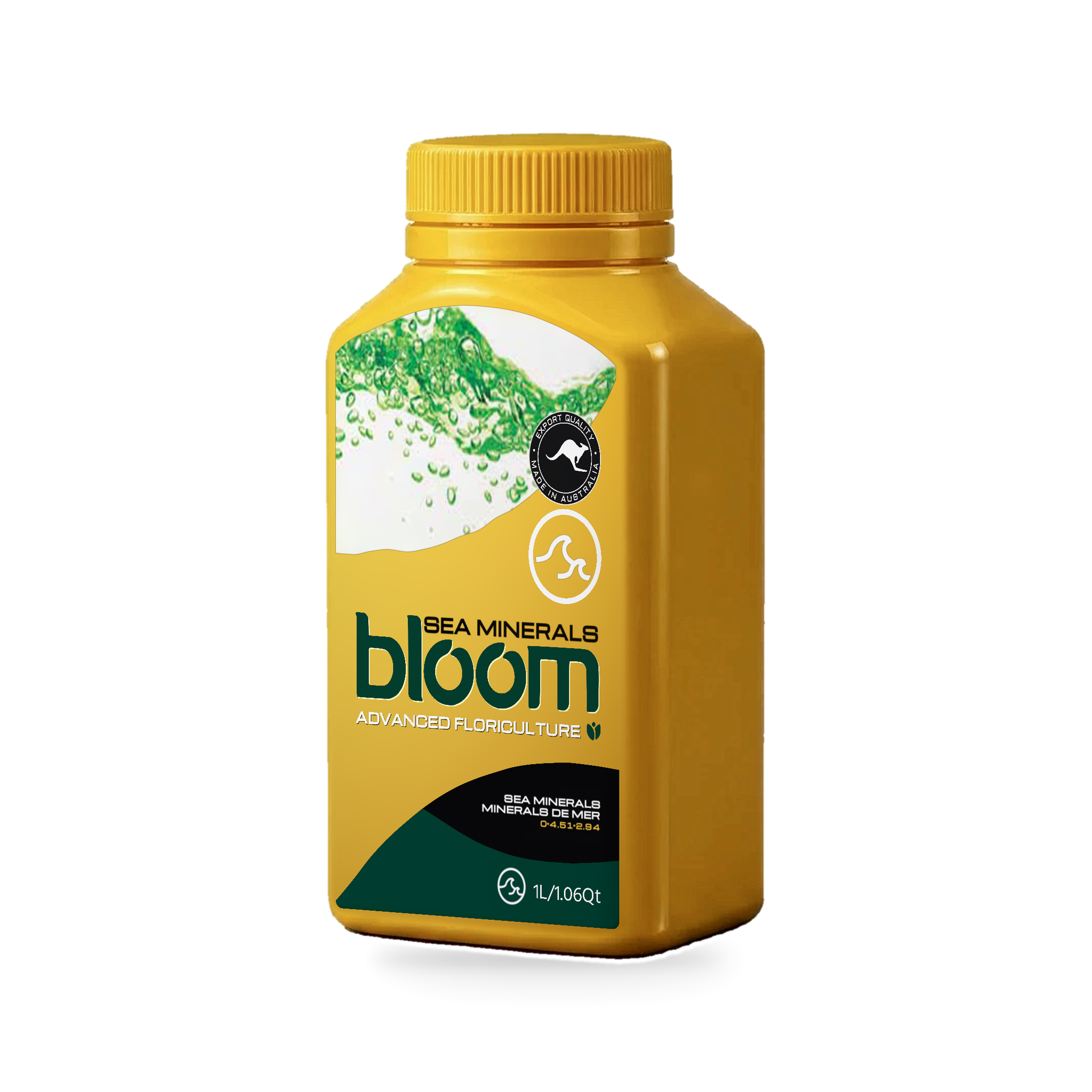 Sea Minerals300ml · 1L · 2.5L · 15L · 25L
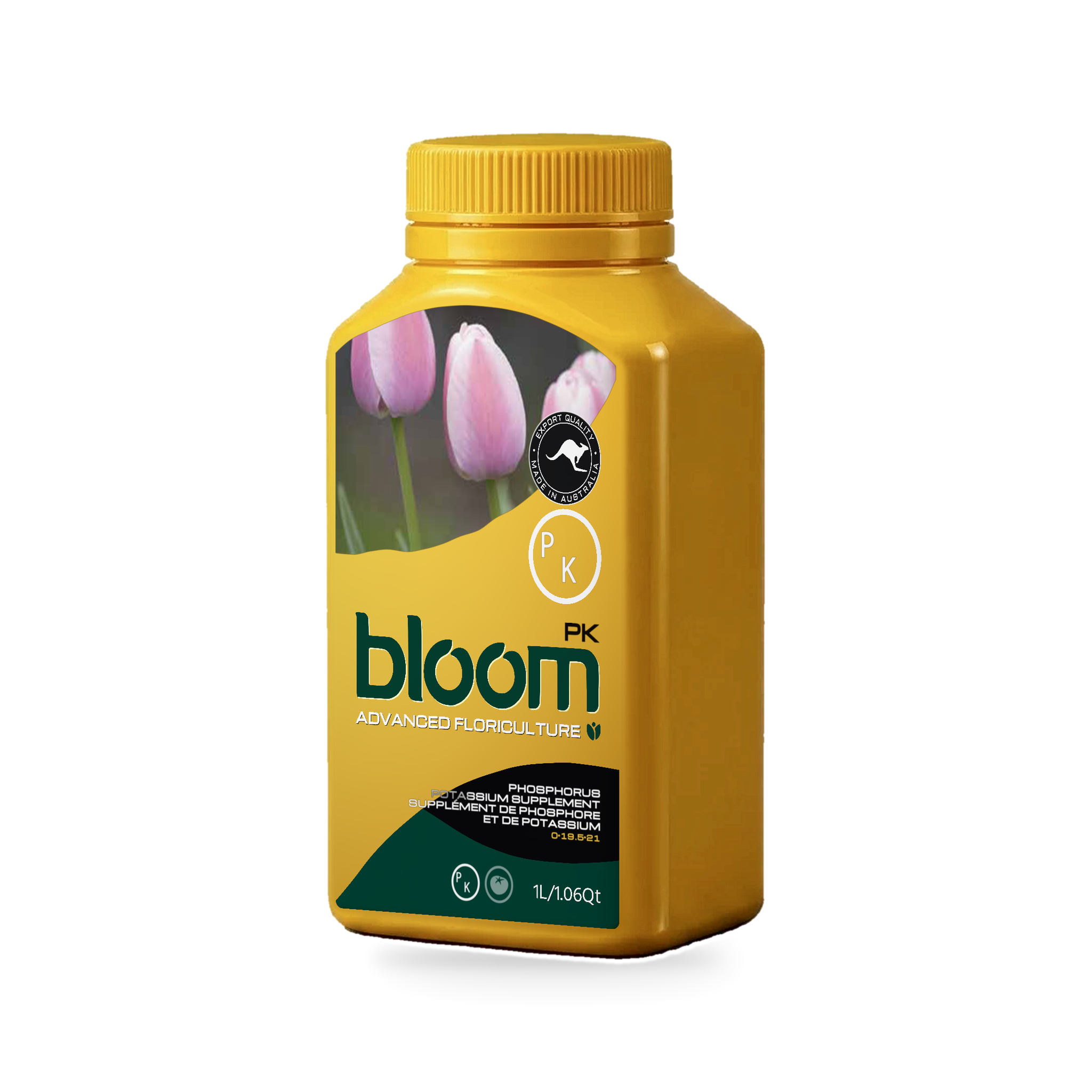 PK300ml · 1L · 2.5L · 15L · 25L
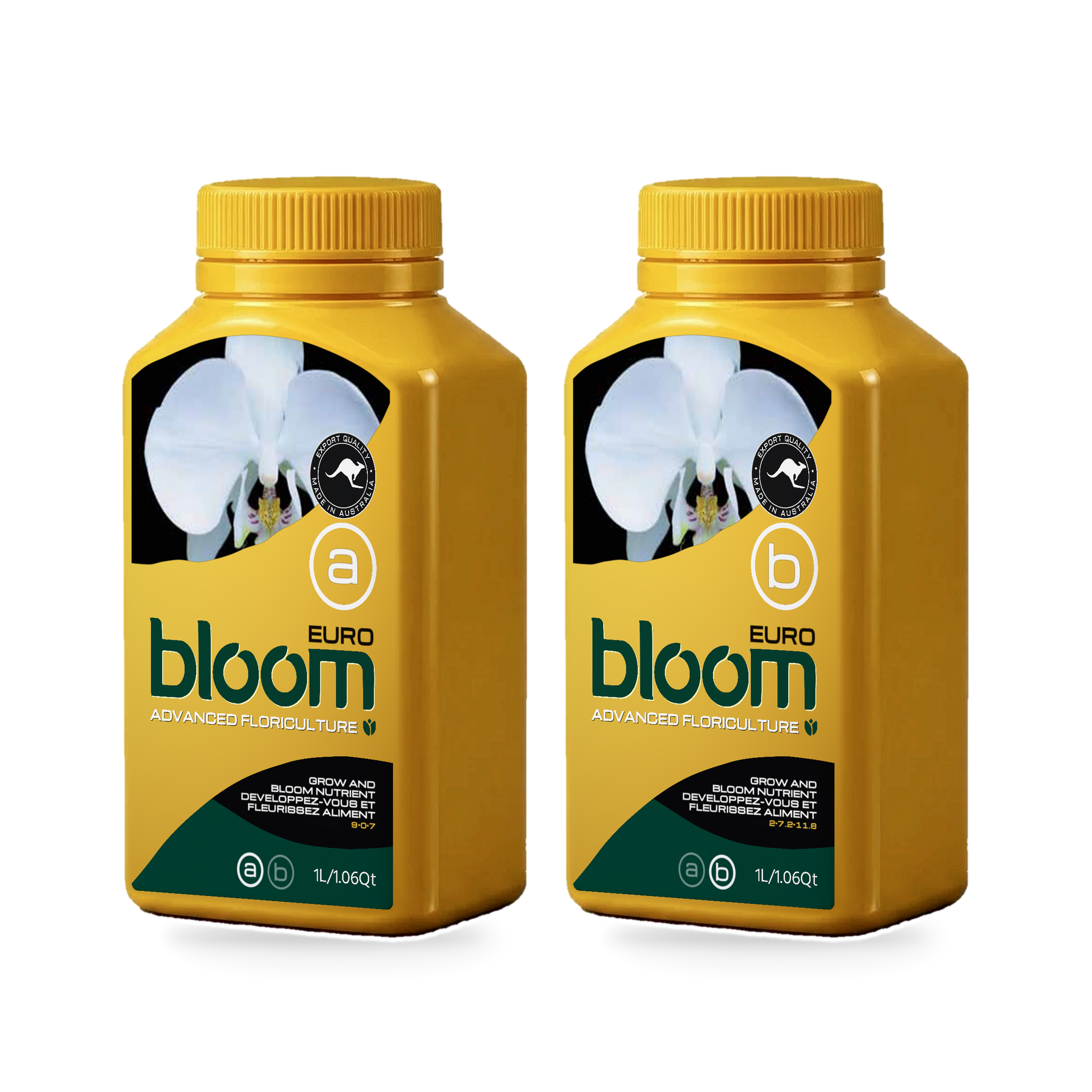 Euro A + B1L · 2.5L · 15L · 25L
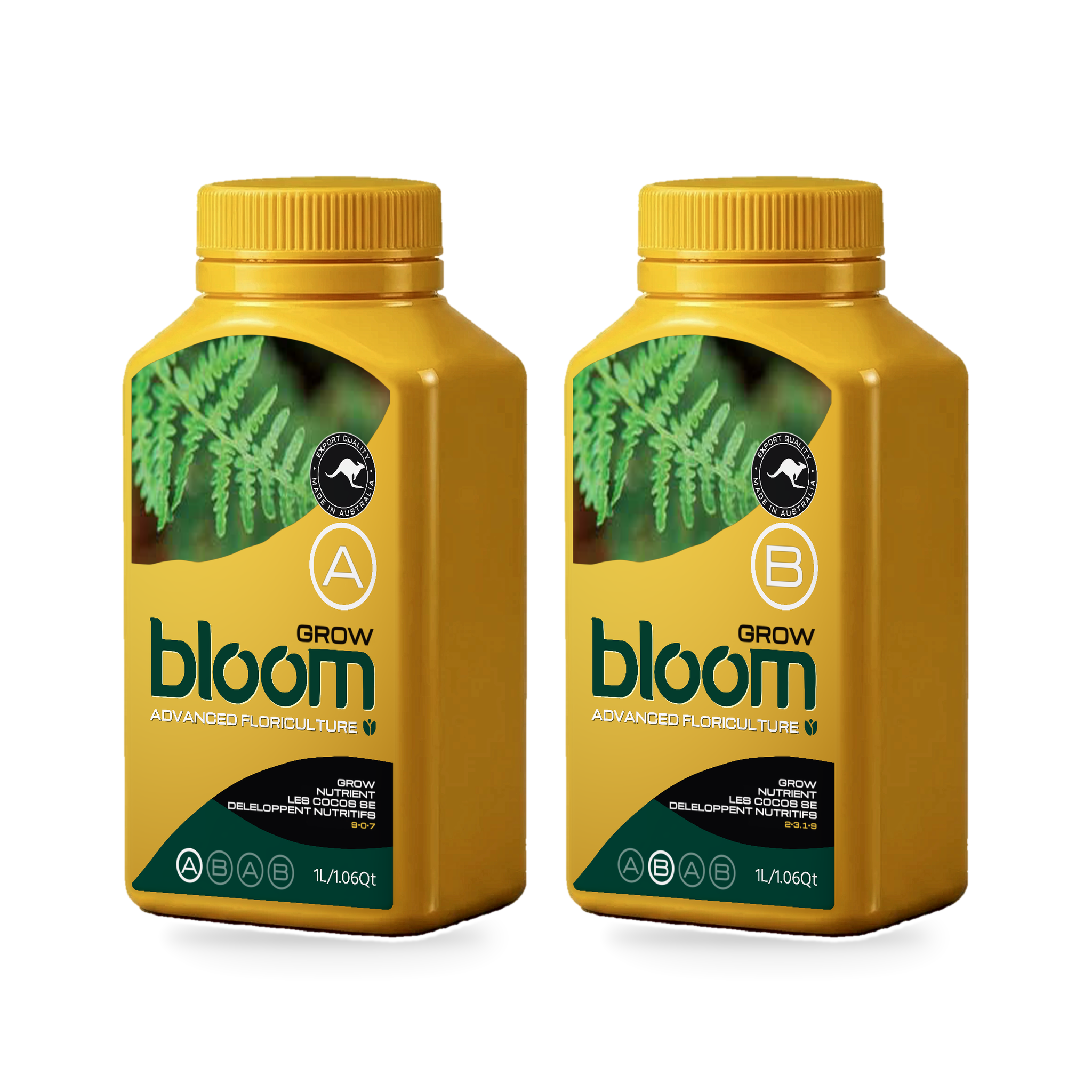 Grow A + B1L · 2.5L · 15L · 25L
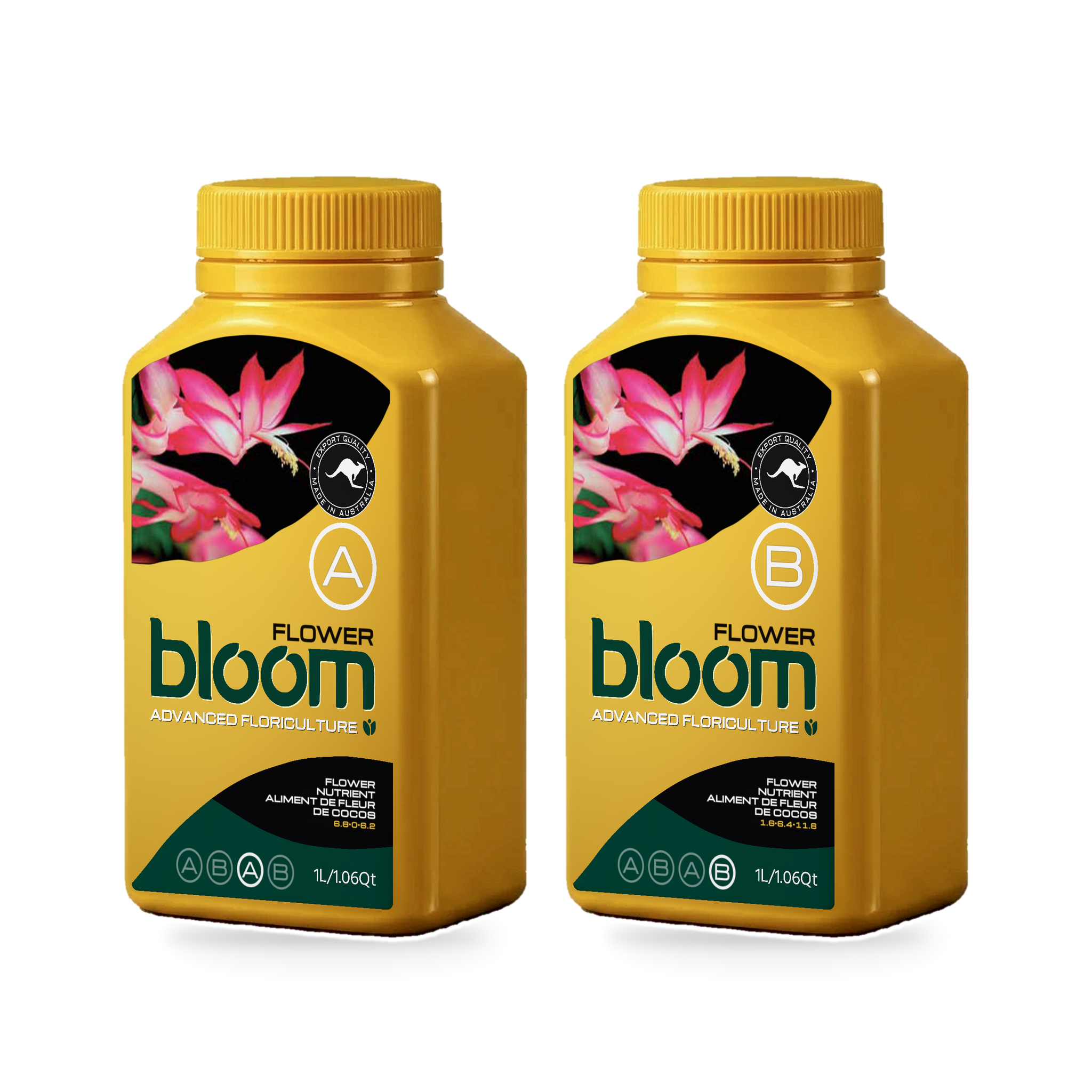 Flower A + B1L · 2.5L · 15L · 25L
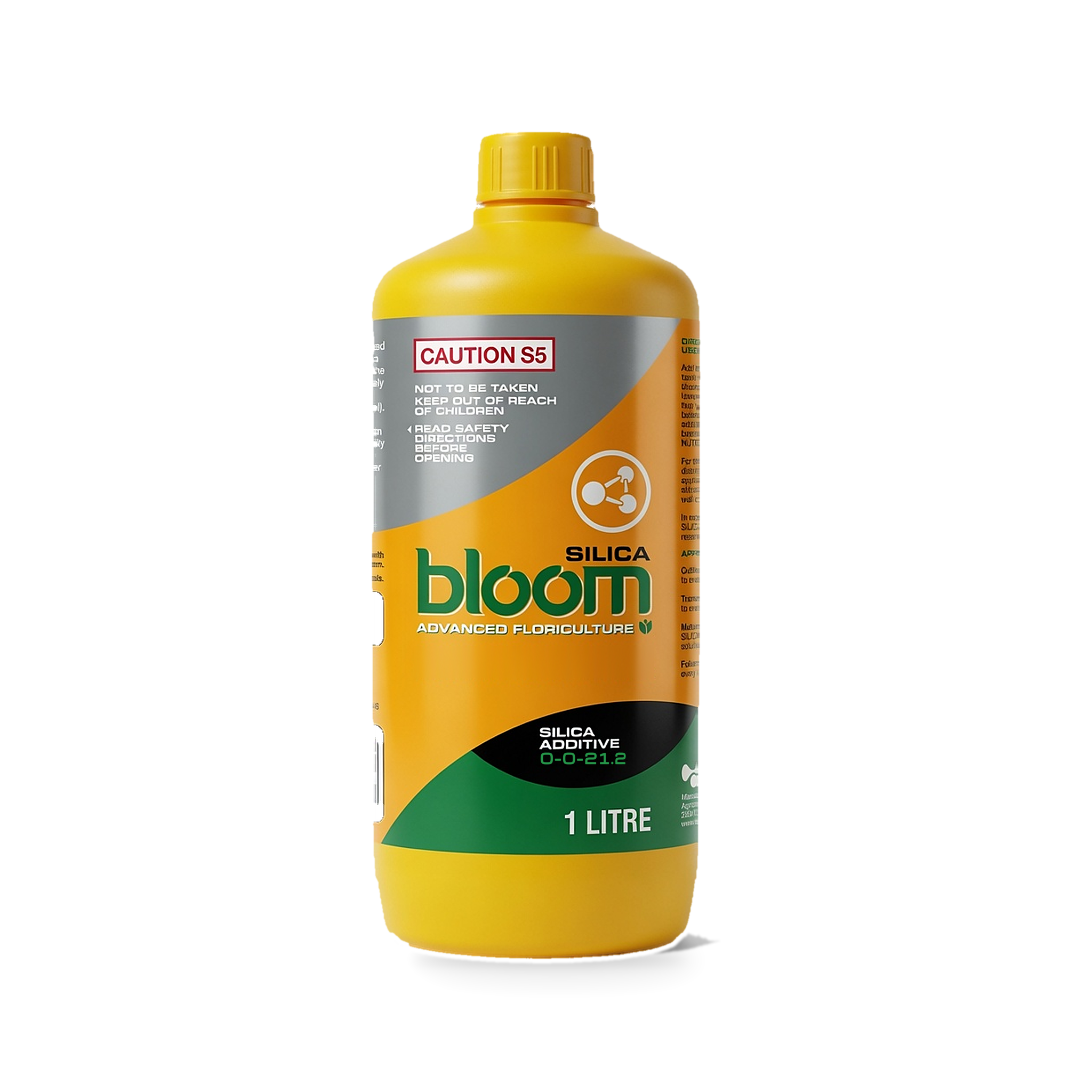 Silica250ml · 1L · 5L · 15L
The bottle, 3D.
A different look for your posts: the bottle in 3D with a see-through background. Sized for social and web, so they’re smaller than the bottle images above.
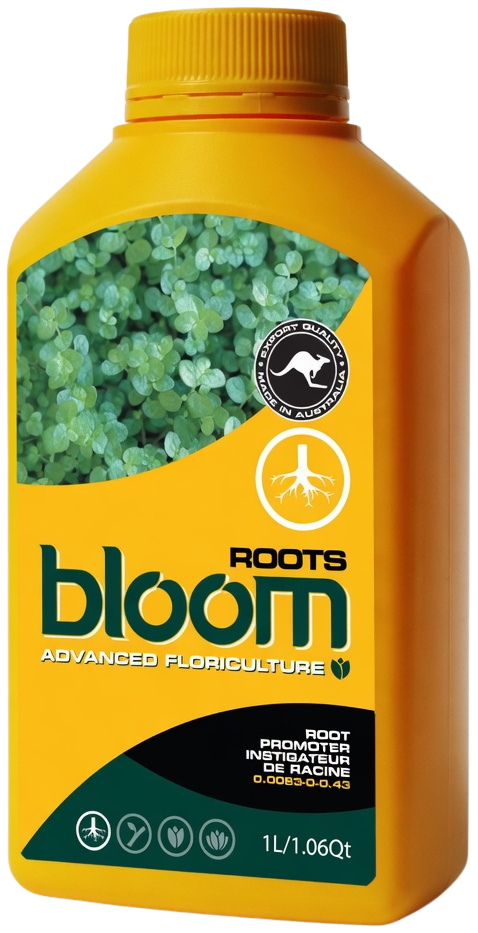 Roots3D render
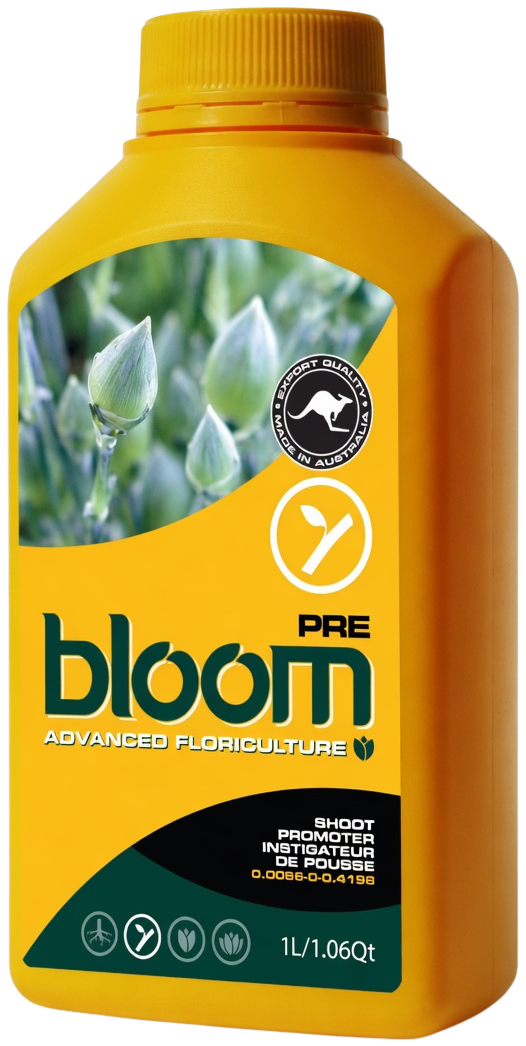 Pre3D render
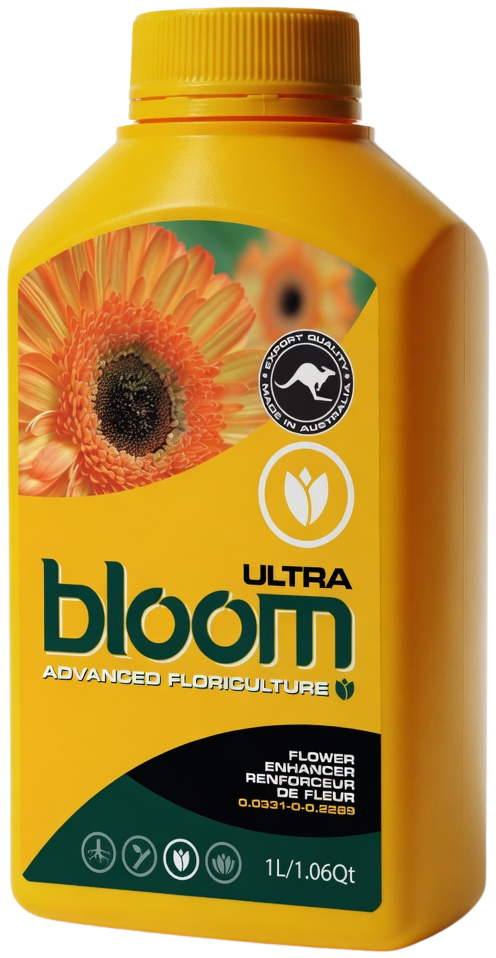 Ultra3D render
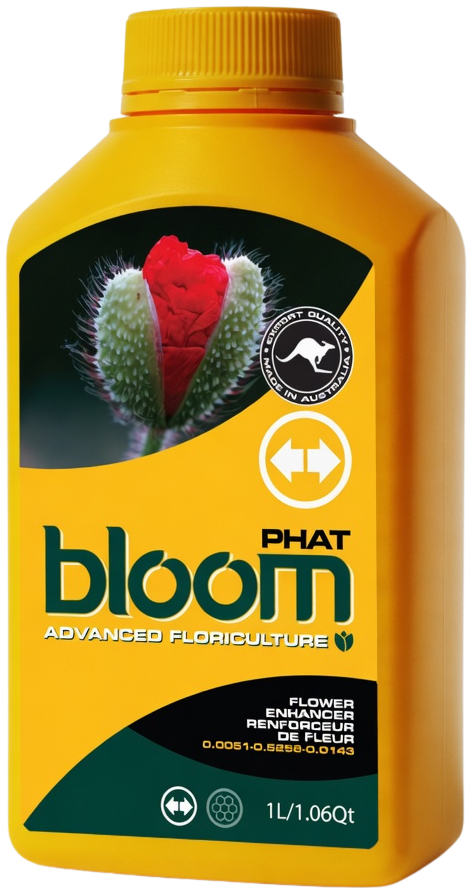 Phat3D render
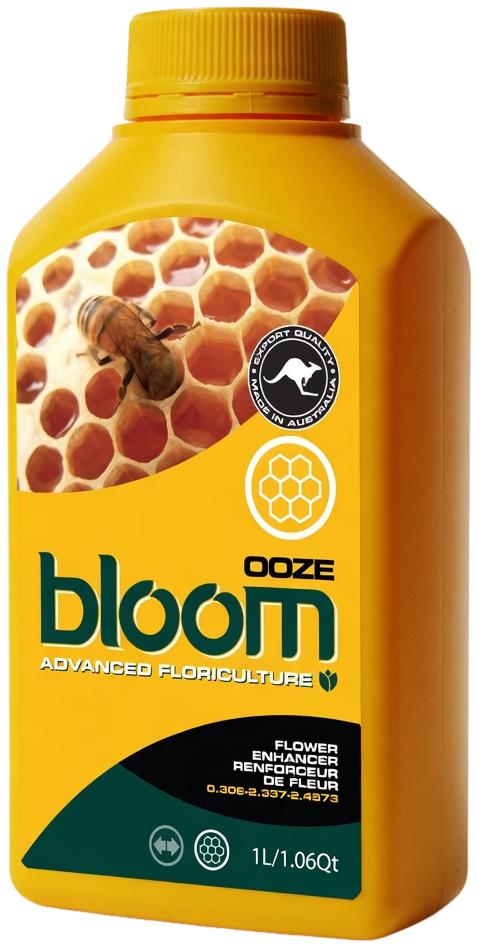 Ooze3D render
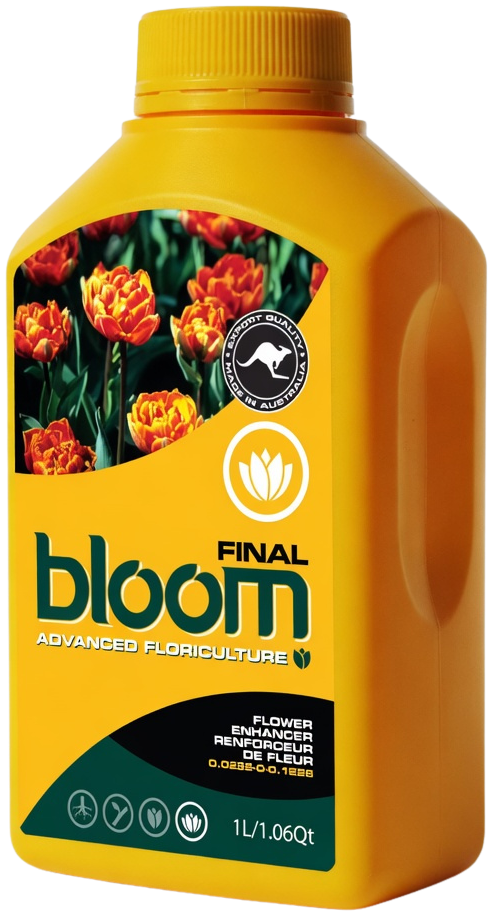 Final3D render
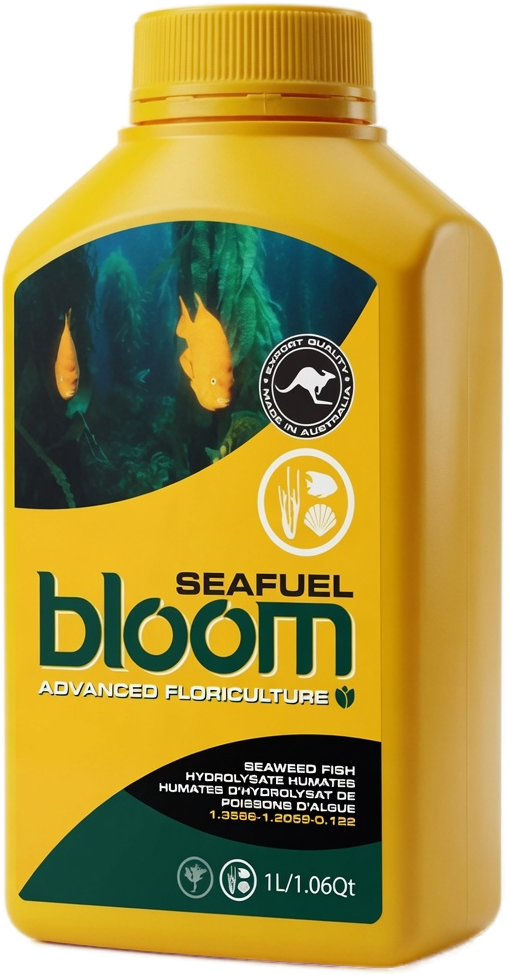 Seafuel3D render
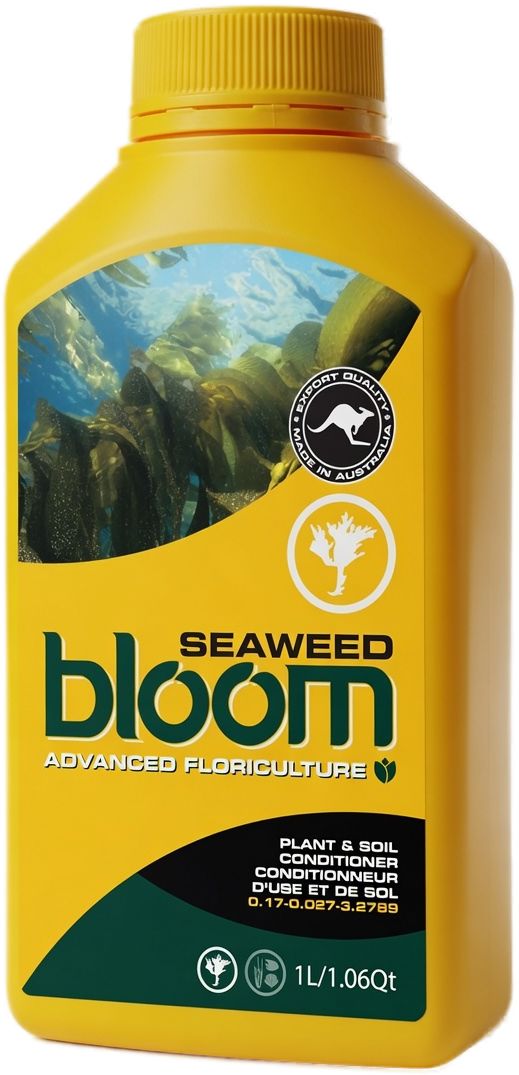 Seaweed3D render
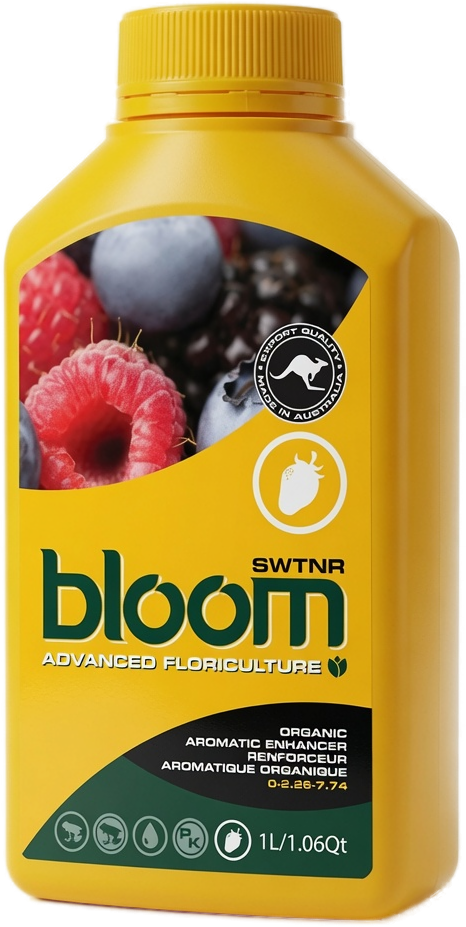 SWTNR3D render
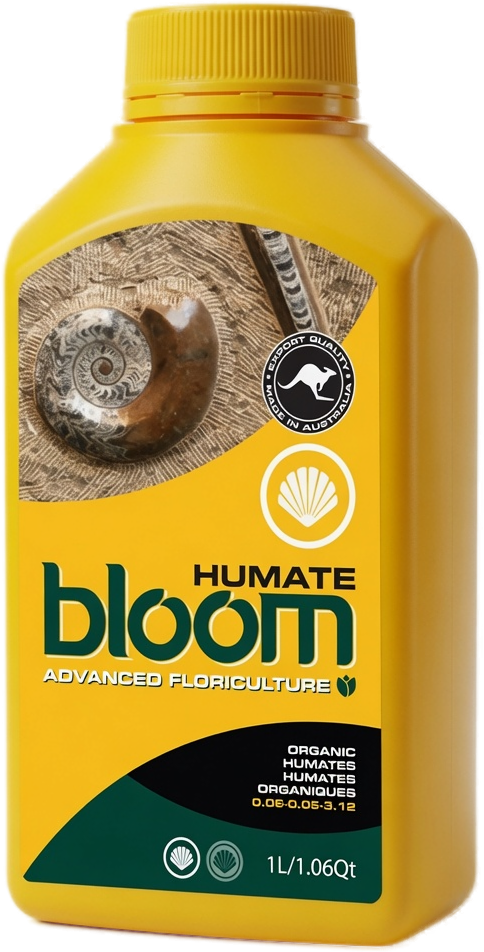 Humate3D render
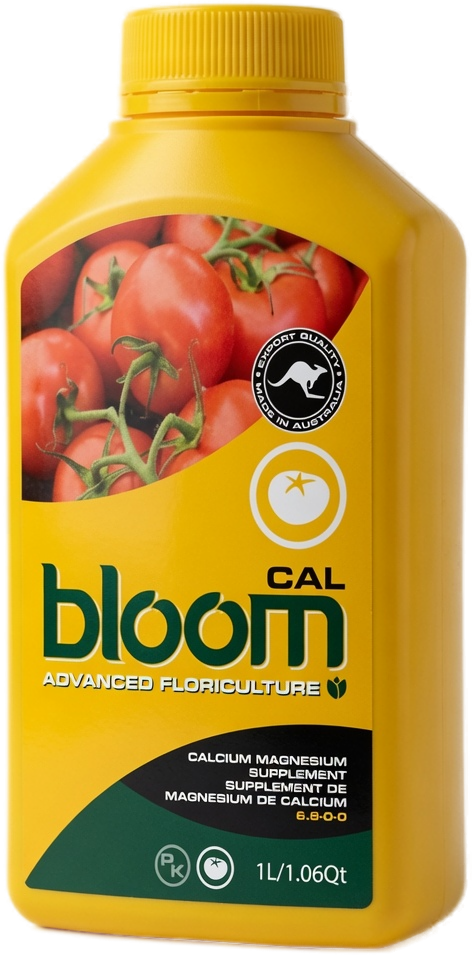 Cal3D render
 Groigen3D render
 Florigen3D render
 Sea Minerals3D render
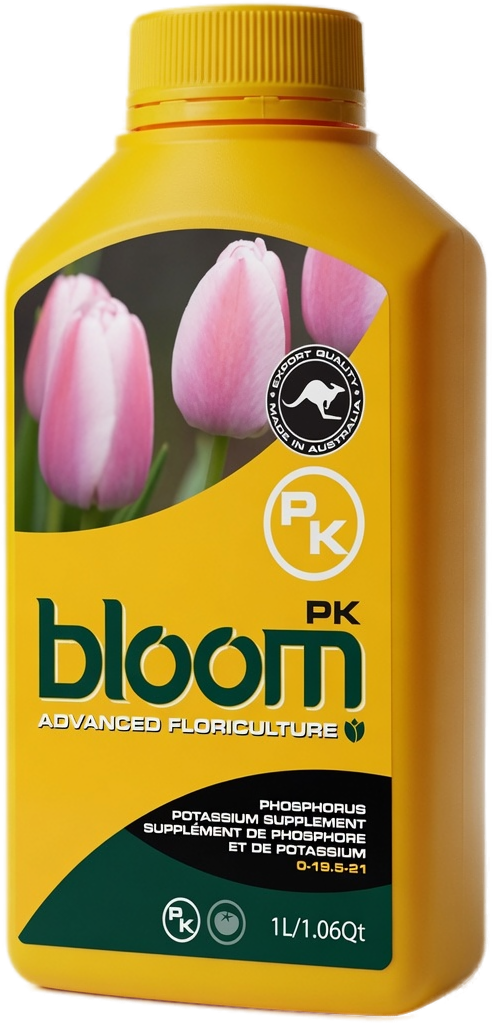 PK3D render
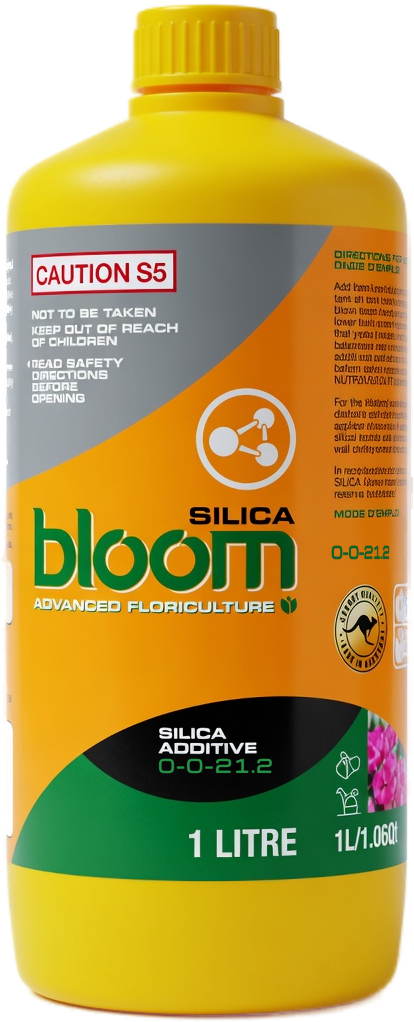 Silica3D render
Bottle images are 3D renders used to show the range.
Pick one. Post it.
Finished posts and a printable shelf sign. Each one leads with what the product does for your customer, with the real bottle, our logo and both handles already on. Choose a format, tap a product, save the picture. The shelf sign prints on US Letter and has a blank box for your own price.
Every bottle is shown at the same size in every graphic. QR codes on the shelf sign go to that product page.
Your clips in. Bloom style out.
Film a short clip or take photos at your store or grow. Your AI tool follows our prompt and tells you exactly where to drop in the Bloom Yellow Bottles overlays, so it ends up a finished post. Add your own feedback or a customer comment and it goes on a quote card too. Pick one of our songs for the music and choose which part plays. No editing skills needed. Works in ChatGPT, Gemini, Claude and most other AI tools.
Only use words from someone who is happy to be quoted. They go on a quote card in your overlay pack and into your prompt, exactly as you type them.
Pick the length closest to your finished video. Save the clip, then attach it with your video clips when you paste the prompt. The songs are ours and free to use in your Bloom posts.
Shown on a sample photo. Your own footage goes in its place.
1. Save your overlay pack. Tap each one and save it to your phone.
What should your cards say? Pick as many as you like. Every product you chose gets its own card for each one, so you can match the card to what you say or show.
2. Copy the prompt.
3. Open your AI tool. Paste the prompt, then attach your clips or photos, plus your music clip if you picked a song. It gives you a step by step edit sheet. Drop the overlays in as it says. If it cannot hear your video, it will ask you for a transcript. Say the product names out loud when you film.
See the prompt
Our logo, the right way.
Use the yellow bubble logo anywhere. It holds up on dark and light. The white one is for dark backgrounds only.


For dark backgrounds and photos only. 491 x 176 px, transparent PNG, so best at small sizes.
Match the look.
Tap a colour to copy its code.
Plain Roboto for everything you read.
All caps, for the big headline only.
Italic, and only for a few words. Never body text.
Saving takes two taps.
Tap a bottle, then Open full size. Press and hold the picture and choose Save to Photos. Save PNG puts it in your Files app instead.
Tap a bottle, then Save PNG. It lands in your Downloads. You can also press and hold the picture and choose Download image.
Click a bottle, then Save PNG. The see-through background stays see-through, so drop it straight onto your own design.
Free to use when you’re promoting Bloom. Keep the label as it is, and stick to what’s on the bottle and on our site when you describe a product. Tag @bloomyellowbottles so we can share your post.
Need something we haven’t got? Ask Nate.
A size we haven’t posted, a file for print, or a graphic for your store launch. Tell me what you’re after.

On a phone? Tap Open full size, press and hold the picture, then choose Save to Photos.